

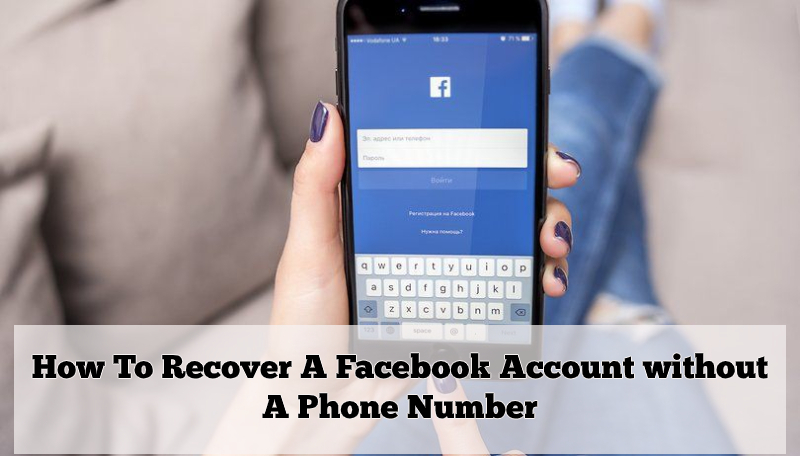
If you’re having problems while logging into your Facebook account, then do not panic as this is a very common issue that has occurred to almost every individual who possesses an account on Facebook or on other platforms.
Reasons like, forgotten password and hacked account are the main culprits behind why you can’t access your Facebook account. However, the reasons hardly matter when the solutions to regain access to your account are common. You can deal effectively with the Facebook login issues by simply resetting the password of your account. And, to do so, you’re required to follow the below-given guide because even though, the solution is one but to apply it, you have got the option to use various ways/methods such as—
- Email Address
- Security Question &
- Trusted Contacts
Therefore, to make it easier for you, we’ve below mentioned the steps of all three ‘Password Recovery’ methods. So, have a look at the below-mentioned steps of each method and then, choose the one that seems easier to perform in order to recover your Facebook account password.
Method 1: Recover Facebook Account Using Email Address—
If you have an alternate email id to provide then, you need not have to use your registered phone number to recover your Facebook account. Here’s how:
- Go to your web browser and from there; navigate to the Facebook official Sign-in page.
- On the page, type your Facebook username and then click on the link of ‘Forgot Password’ which is right there below the password text field.
- Doing so, you’ll be directed to the next page, where you’ll be asked by Facebook to enter your email address that has been linked to your Facebook account in order to identify your account.
- Once, Facebook will identify your account, it’ll send you a 5 or 6-digit code on the same email address.
- And, all you have to do is, get that code and return to enter the same in the required text box (Enter your six-digit code) to reach the ‘Password Reset Page.’
- On the page, type a new (unique and strong) password in the required text field and then re-enter the same to confirm it.
- Then, go back to the Facebook sign-in page and simply login to your account using the newly created password.
Method 2: Security Question—
- To start with this method, perform the step 1 and 2 of the above-given method to reach the ‘Facebook Password recovery page’ and then choose ‘Security Question’ as your recovery method from the available recovery options.
- After that, click on ‘I’ll answer my security question’ and in order to reach the ‘Password reset page’ answer the asked security question correctly.
- Then, as given above, perform steps 6 and 7 in order to access your Facebook account.
Method 3: Trusted Contacts—
- In order to use your trusted Facebook contact to recover your Facebook account, follow the same above mentioned steps until you reach the ‘Facebook Password recovery page.’
- On the page, choose ‘Trusted Contact’ as your recovery method.
- Then, select a friend from Facebook to nominate him/her to receive the security code which Facebook will send.
- After that, all you need to do is, retrieve the code from your friend and enter it wherever prompted to reach the Facebook password reset page.
Then, again follow steps 6 and 7 of the above-mentioned method for the sole purpose of accessing your Facebook account back. That’s it!